B
Bruma
👕 The Striped Tee is back, light enough for every day.
Pick yours on its page.
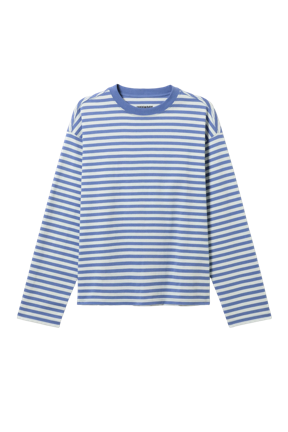
Striped Tee
$39
I want it
Back-in-Stock Pounce
When a sold-out product is back, the AI writes to whoever wanted it, with the real stock and a button to buy it.
 No card to get started


With room for your whole weekend. Pick yours before it sells out.
 Bruma · bruma.example

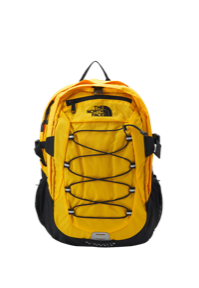
The Trail Backpack is back, with room for your whole day 🎒 It's the last one: grab it before it's gone.
It alerts whoever asked for it while it was sold out, added it to their cart or viewed its page, even weeks later.
If few units are left, it says so with your store's stock, so the sale isn't lost.
On WhatsApp, email, SMS, push, Instagram or your webchat, whichever can reach them with the best results.
It can add your store's promotions or a small AI incentive, within the limit you choose.
From the sold-out product your shopper asked for to the purchase, it's all in your Inbox.
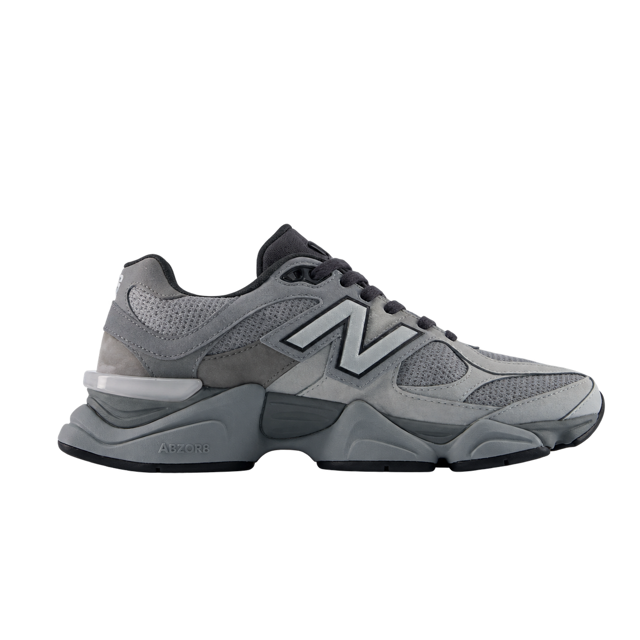
Valentina asks in the chat for sneakers that are sold out in her size. The AI remembers.
When your store restocks it, the Playbook gets its alert ready.
By day, on the channel that reaches her best, with the real stock and a button to its page.
The sale shows up in your Inbox. And if she replies, the Playbook that chats answers.
Choose who it alerts, whether it adds an incentive and its tone. Then turn it on.
The Playbook uses the catalog and stock your store shares with Hellotext. Connect your eCommerce in minutes with our setup assistant.






Available from the Grow plan, with 25 eCommerce Playbooks. See plans
FAQ
It's the Playbook that lets each shopper know when a product they wanted is back in stock. The AI writes every alert with the product, the stock left when it's low and a button to its page.
Your identified shoppers who asked Smart Recommender for that sold-out product in the last 90 days, added it to their wishlist, added it to their cart in the last 30 days or viewed its page in the last 45. It counts the exact product or variant, like a size.
When your store restocks a sold-out product, with no extra wait. It goes out in your store's next sending window, always by day: in the morning, at midday or late in the afternoon.
That the product is back, a reason to choose it and a button to its page. If few units are left, it says so with your real stock. It doesn't hold units or make up urgency, and never tells the shopper how it knew they wanted it.
Yes. You can combine your store's promotions with AI incentives up to the limit you choose, or offer no discount. The AI only mentions a discount when one is available for that shopper.
WhatsApp, email, SMS, push, Instagram or your website's webchat. Each alert goes out on one channel, the one that can reach that shopper with the best results.
It doesn't go out. Before sending each alert, it checks the product is still available and the shopper hasn't bought it. It also skips anyone who bought it in the last 15 days.
One per restock and at most one from this Playbook a week, with no more than three a week counting the other Playbooks that write first.
The conversation continues in your Inbox. If you have a Playbook that chats turned on, like Smart Recommender or Instant Answers, it answers with the alert in view.
Yes. You need the right consent on each channel. WhatsApp messages use templates and follow its policies. Meta's fees are charged separately from your Hellotext plan.
It's available from the Grow plan, which includes 25 eCommerce Playbooks.
Help Center
How it works, who it alerts and what you can set up.
Connect your store and turn on Back-in-Stock Pounce. No card needed to start.

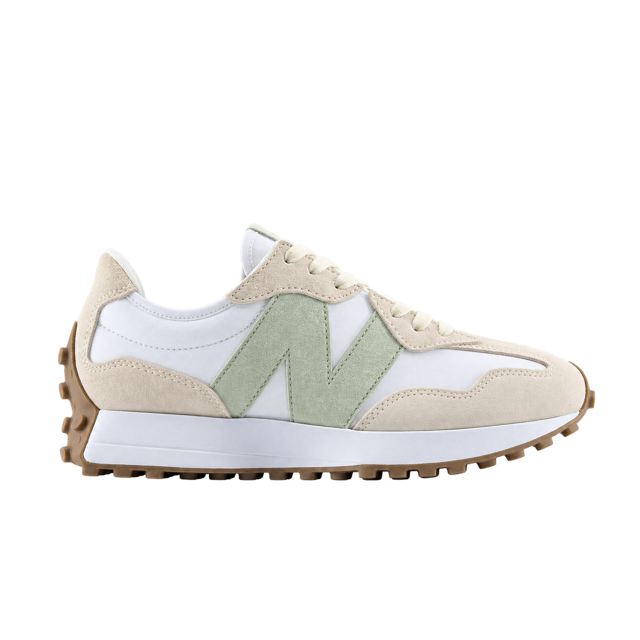
Vale, your mauve Classic Clogs are back in your size. Made for you!
 You’re receiving this because you signed up for our emails.
Cami, your Revive Eye Serum is running low. Keep your routine going.