Bruma
Bruma
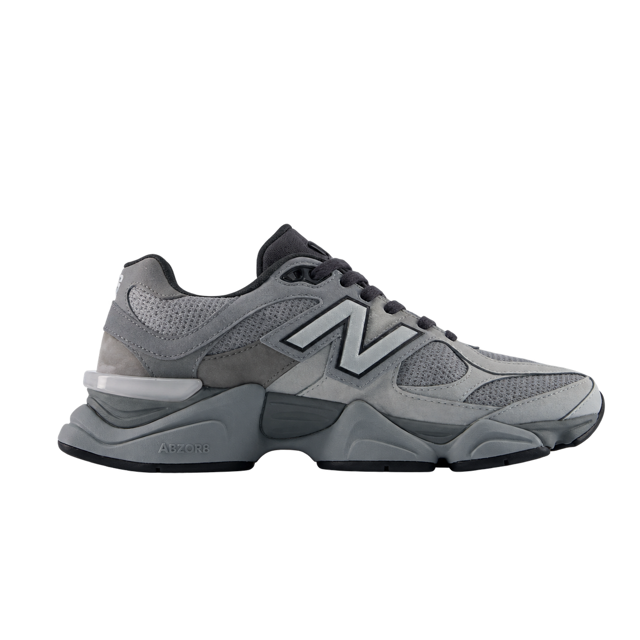
Ana, your Bruma Run is still in your cart, ready to cushion every mile 👟
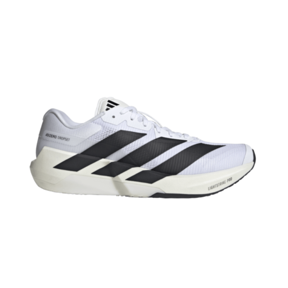
Resume checkout
Push notifications
Browser notifications the AI writes for each customer, with their cart, a price drop or a restock. No app needed.
 No card to get started


Ana, your Bruma Run is still in your cart, ready to cushion every mile 👟
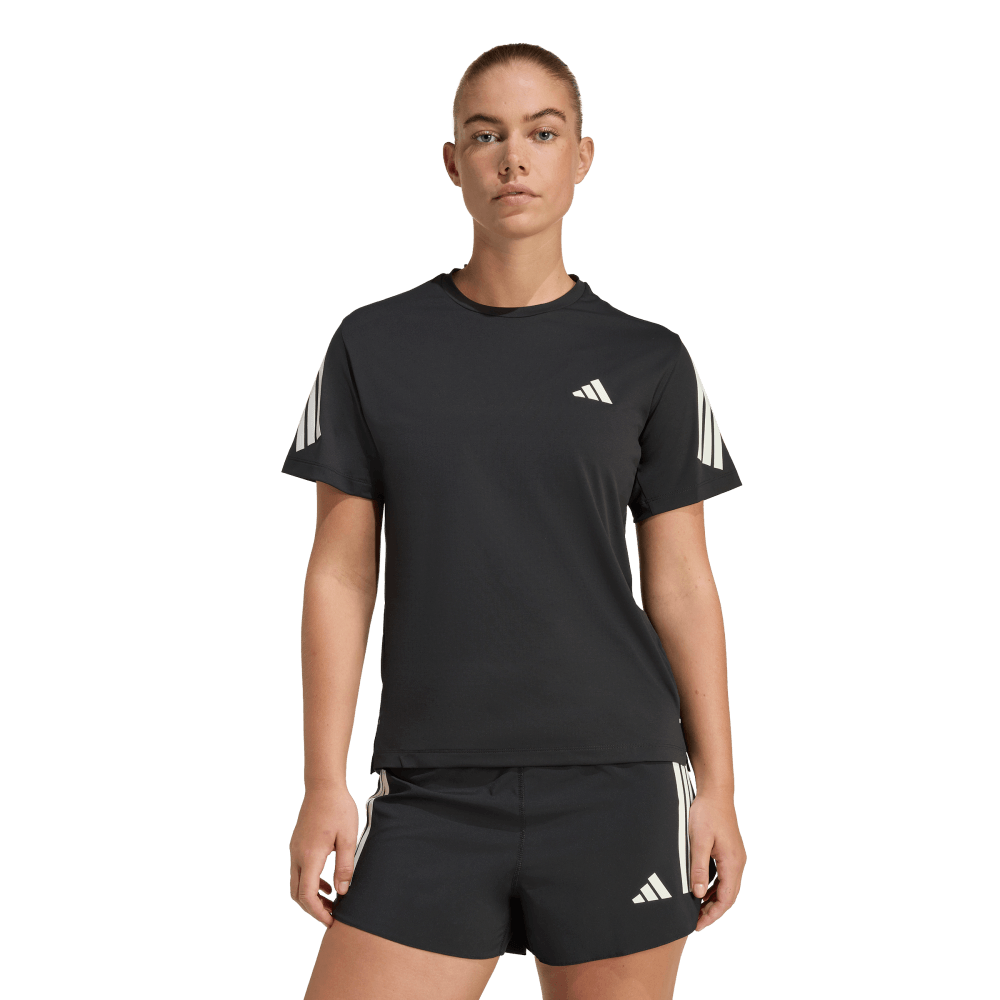
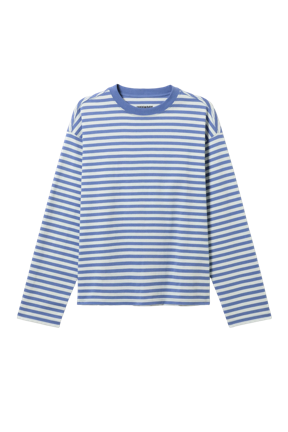
The Striped Tee is light and goes with everything, your everyday basic.
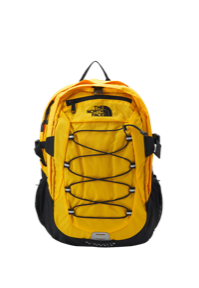
The Trail Backpack dropped from $80 to $60, 25% off. Ready for your next trip 🎒
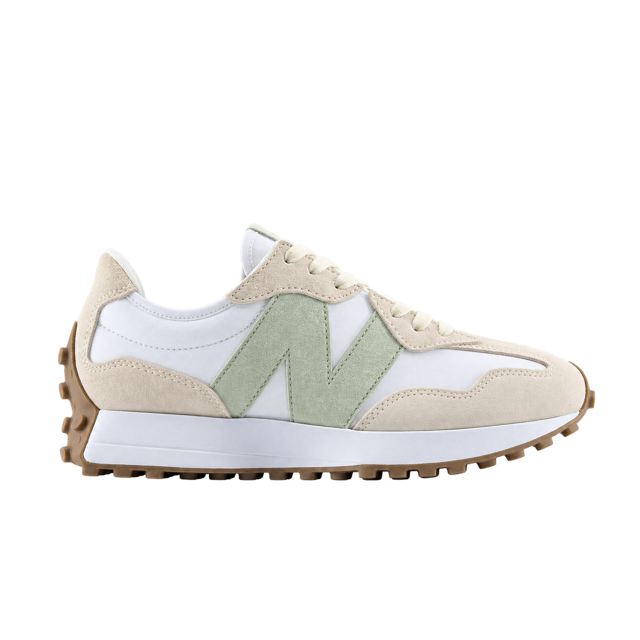
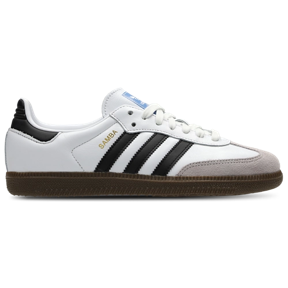
The Bruma Street is back in size 8, white and easy to match. Only 3 pairs left.
For your Bruma Run, the training bag, with a separate pocket for your shoes.
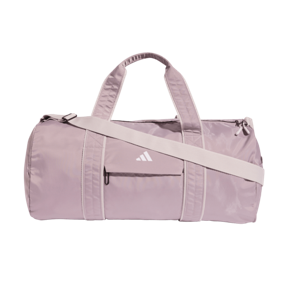
Illustrative notifications from Bruma, a fictional store, with sample products and prices.
Trusted by companies across industries
















It reaches them even when your store isn't open, and takes them straight to the product's page.
The Trail Backpack dropped from $80 to $60, 25% off. Ready for your next trip 🎒The Trail Backpack dropped from $80 to $60, 25% off. Ready for your next trip 🎒
The image and the button show in the browsers that support them, such as Chrome.
Smart Alert Capture invites customers to turn on alerts in your store. The browser asks for permission only once they tap “Activate alerts”.
Turn on Bruma's alerts to hear about price drops, restocks and offers.
bruma.example wants to show notifications
The AI sales Playbooks, and order cancellation, write by push to every customer who has it on. You choose which ones use it.
Each message goes out on the first channel that customer has, and push comes before email. You decide whether each Playbook uses it.
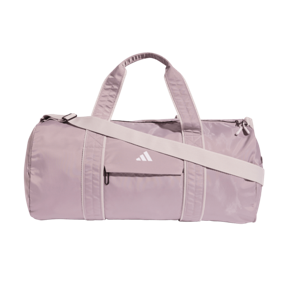
For each date, the AI builds the campaign with its push version and the same image as WhatsApp's and email's.
Sends, deliveries, clicks and attributed sales per channel, next to your other channels.
Browsers don't report opens, and a delivery means their notification service accepted it.
Permission is asked after a click, unsubscribes are honored, expired subscriptions switch off on their own and campaigns stay out of the night.
On Shopify and VTEX, push is set up when you connect your store; on Shopify you turn on Hellotext's app embed in your theme. On any other site, the wizard guides you to publish a file and add Hellotext.js.
Turn on Smart Alert Capture where you want to invite them, or use your own buttons with the push SDK.
Add push to your AI Playbooks and seasonal campaigns, and measure sends, clicks and sales per channel.
FAQ
No. Notifications arrive through the browser, on computers and Android, even when the customer doesn't have your store open. On iPhone, Apple only allows them for sites added to the home screen.
From the Pro plan, together with Smart Alert Capture.
Shopify and VTEX set up push when you connect your store; on Shopify you turn on Hellotext's app embed in your theme. On any other site, the wizard guides you in three steps.
Customers who turned on your store's notifications and whom Hellotext already recognizes as contacts. Anyone who unsubscribes stops receiving them.
Push is sent by the AI Playbooks and seasonal campaigns, to every customer who has it on. Manual broadcasts don't go out by push.
Sends, deliveries, unique clicks and attributed sales, per channel, in your reports. Browsers don't report opens.
Turn on push and let the AI write to each customer at the right moment.
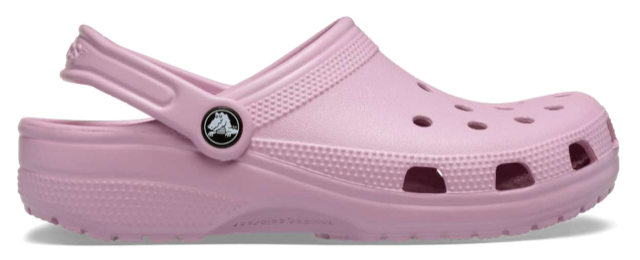
Vale, your mauve Classic Clogs are back in your size. Made for you!
 You’re receiving this because you signed up for our emails.
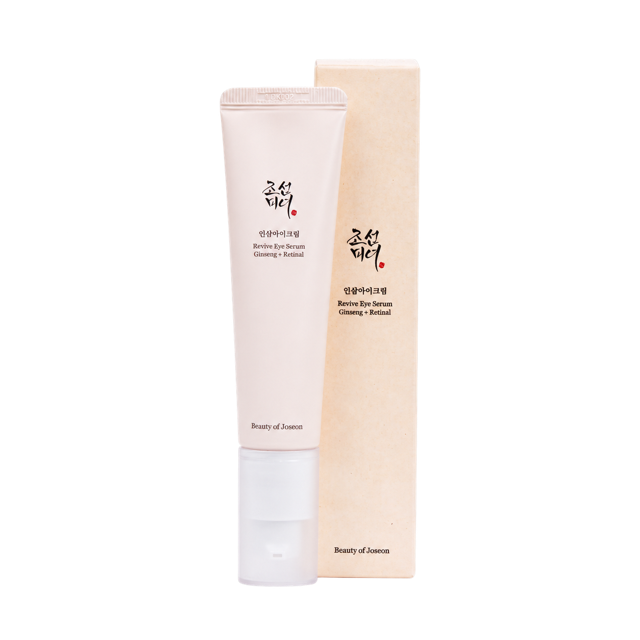
Cami, your Revive Eye Serum is running low. Keep your routine going.