Bruma


Subscriber Booster
When they write, it invites them to subscribe with your offer; if they accept, they share details and get their code.
 No card to get started


When they write to you, the app invites them to subscribe with your offer and two buttons; on SMS, with 1 and 2.
Whoever accepts is subscribed and gets a 5 to 20% code on Shopify or VTEX, or your Hellotext coupon.
On WhatsApp, SMS, Instagram and Messenger when they write to you, and in your webchat before they write.
After the yes, the AI asks for the details you chose, such as their name or email, one at a time.
On Shopify and VTEX, it creates the discount code. On any other store, offer your Hellotext coupon.
Available from the Grow plan, with 25 eCommerce Playbooks. See plans
FAQ
It's the Playbook that invites whoever writes to you to subscribe, with your offer and two buttons, and gives them their code when they accept.
When someone who isn't subscribed writes to you for the first time, or reopens a closed conversation, on WhatsApp, SMS, Instagram or Messenger, and in your webchat before they write.
Whoever is already subscribed, whoever said no and whoever is blocked. If they say no, it doesn't invite them again.
A 5, 10, 15 or 20% code on Shopify or VTEX, or your Hellotext coupon, which arrives after they accept. It can also invite without a discount.
They're subscribed, and the Property Collector, which needs to be on, asks for the details you chose, such as their name or email. On Instagram, Messenger or the webchat, they confirm their subscription on WhatsApp or by email.
The app writes the invitation with your offer, in several versions. You choose the channels, the discount and the details it asks for.
It's available from the Grow plan, which includes 25 eCommerce Playbooks.
Help Center
How to choose its channels, its discount and the details it asks for, and what to check before turning it on.
Turn on your invitation and start adding subscribers. No card needed to start.

Vale, your mauve Classic Clogs are back in your size. Made for you!
 You’re receiving this because you signed up for our emails.
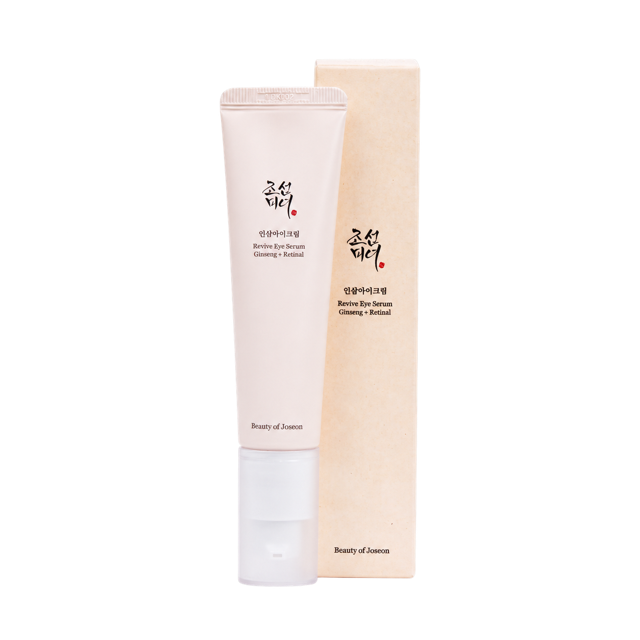
Cami, your Revive Eye Serum is running low. Keep your routine going.